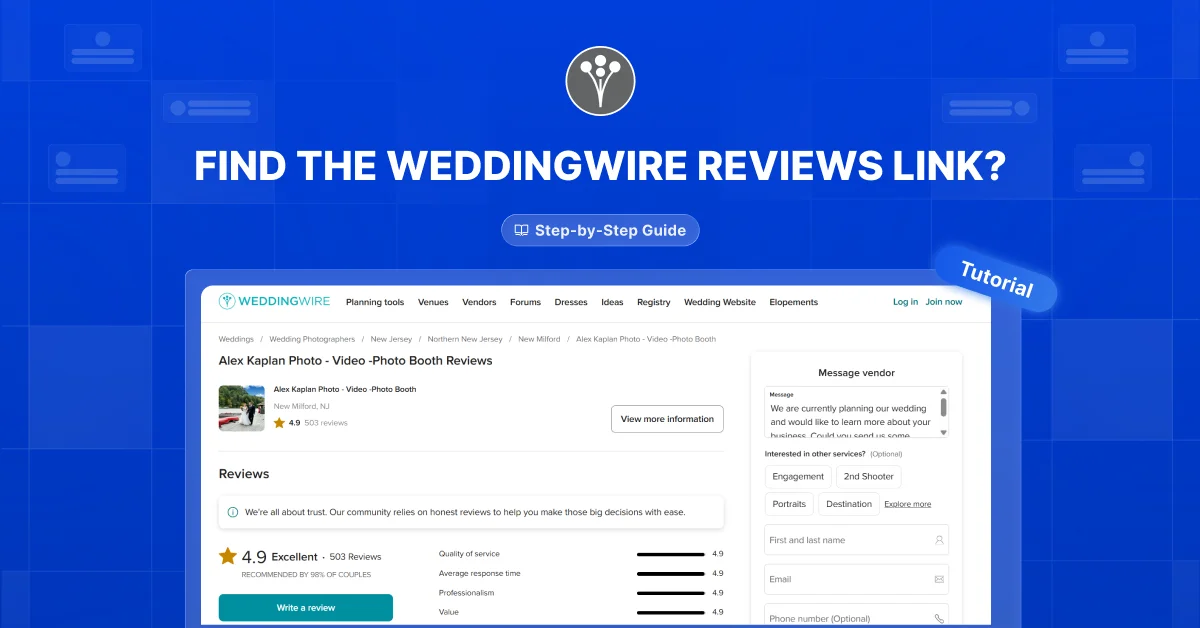
It might be helpful for your web or mobile application as well. This blog will show you how to find a WeddingWire reviews link, step-by-step!
Why find your WeddingWire reviews link?
You might need a WeddingWire reviews link for several reasons. For example, you might want to embed WeddingWire reviews on your website. This helps show what others think about your services.
Step-by-step guide
- Open your business’s feedback profile on WeddingWire. For example: https://www.weddingwire.com/reviews/alex-kaplan-photography/8bf0904f416822aa.html
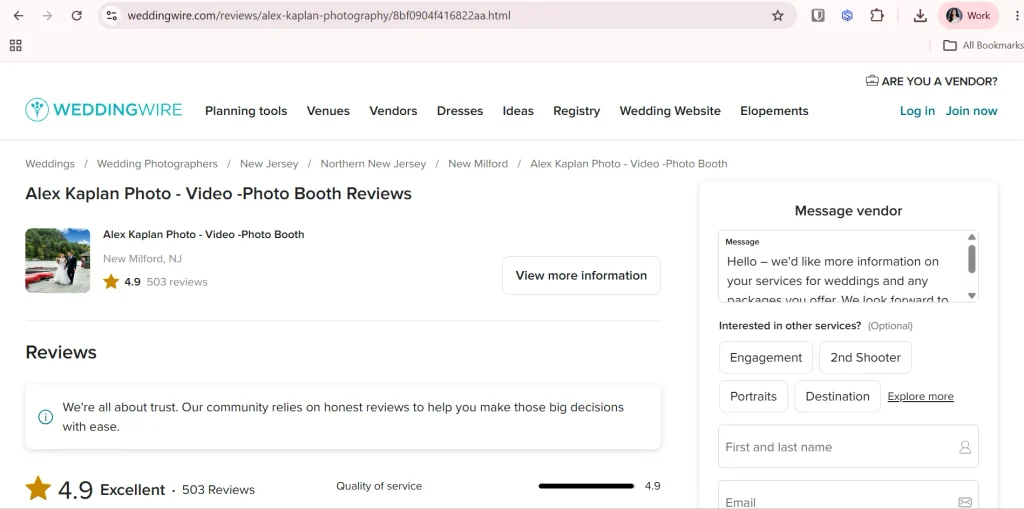
2. Copy the URL from your browser’s address bar. This is your WeddingWire reviews link.

3. Go to your WeddingWire reviews widget customization page and paste the link into the link field.

Create Weddingwire Reviews to your website
Embed your Weddingwire Reviews into your website, bypassing unnecessary steps and boosting your website to the next level!
Find out what social media platforms we support and what widgets are available by going to our widget page!
Want more tips?
Subscribe to our weekly newsletter. We share easy tips and ideas to improve your projects. Stay updated with new trends and useful tips. Sign up here!
This Should Help!
Add WeddingWire reviews to your website to bring in more people. Our guide shows you a simple way to do it online.
Like this guide? Share it with friends who might find it helpful!