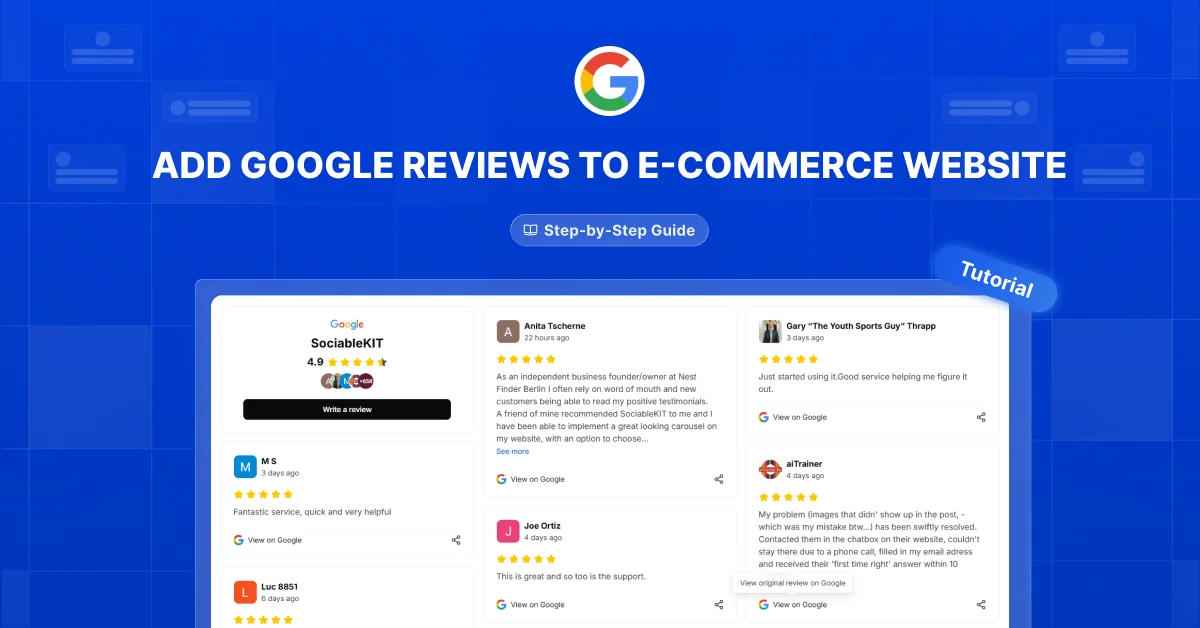
Adding a Google reviews to your ecommerce website lets shoppers read customer ratings, real experiences, and helpful photos while browsing your store. This article explains how to choose and display those reviews to encourage engagement and support buying decisions.
Shoppers may need more than a product description before they feel ready to buy. A useful Google reviews feed can answer questions, show your products in everyday situations, and give visitors more reasons to trust your store.
Many stores add a Google reviews feed and assume every review will help them sell. Outdated reviews, unrelated comments, and crowded layouts can distract shoppers from the products they came to see. Choose relevant reviews, keep the feed current, and check whether it helps visitors take the next step.
Let your Google reviews feed do the convincing: help shoppers understand your products, trust your store, and choose with confidence.
Show the Product at Work
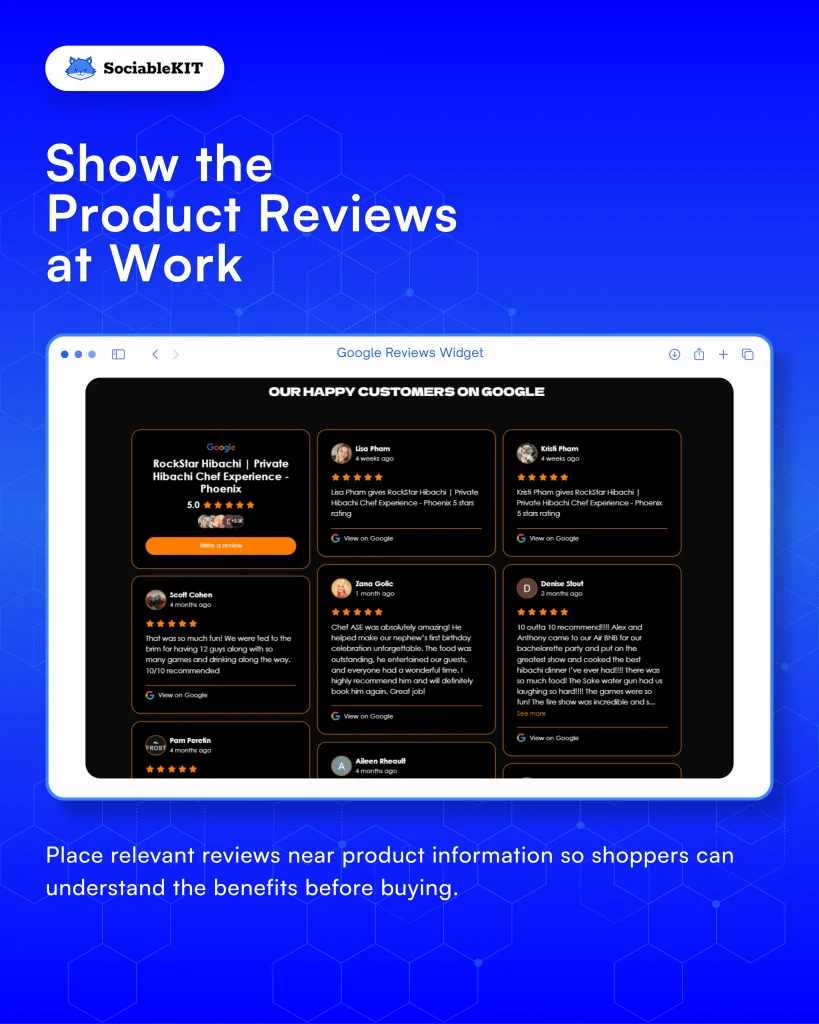
Use Google reviews that show how your products work or solve a real problem. Place relevant reviews near product information so shoppers can understand the benefits before buying.
Reviews from customers who describe a specific task, such as how a blender handled frozen fruit, give shoppers a clear picture of performance. These details answer questions a product description may leave out. Your store can borrow this approach by featuring reviews that describe practical tasks customers want to accomplish.
Choose reviews that help shoppers picture using your products.
Let Customers Add Their Perspective
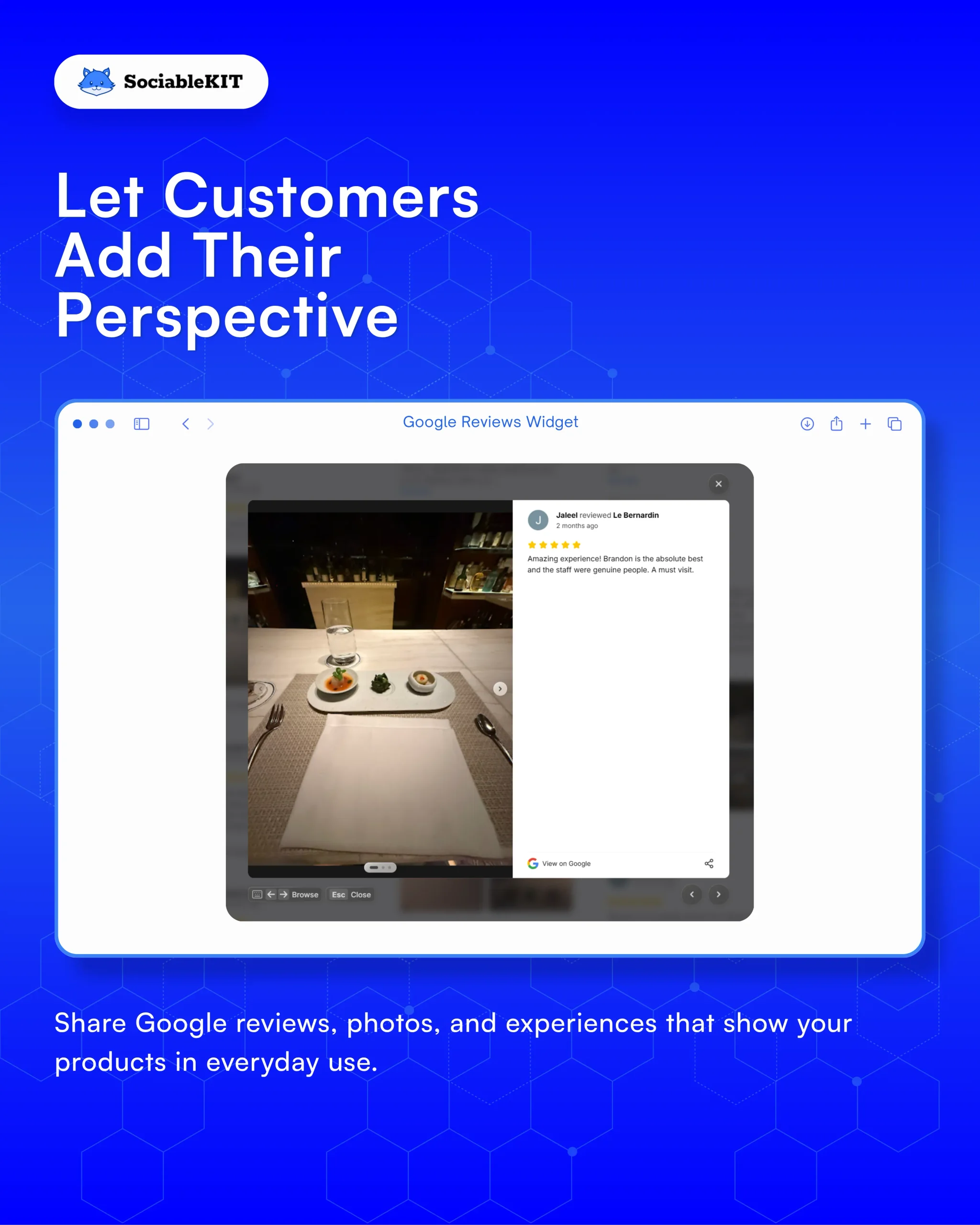
Share Google reviews, photos, and experiences that show your products in everyday use. Credit the reviewers, avoid editing their words, and keep their feedback honest.
Many businesses invite happy customers to leave a Google review after a purchase. Those reviews appear on the business profile and help future shoppers make decisions. Your Google reviews feed can follow this approach by featuring genuine reviews that help shoppers understand your products.
Let genuine customer experiences help visitors judge whether your products fit their needs.
Give Reviews a Clear Next Step
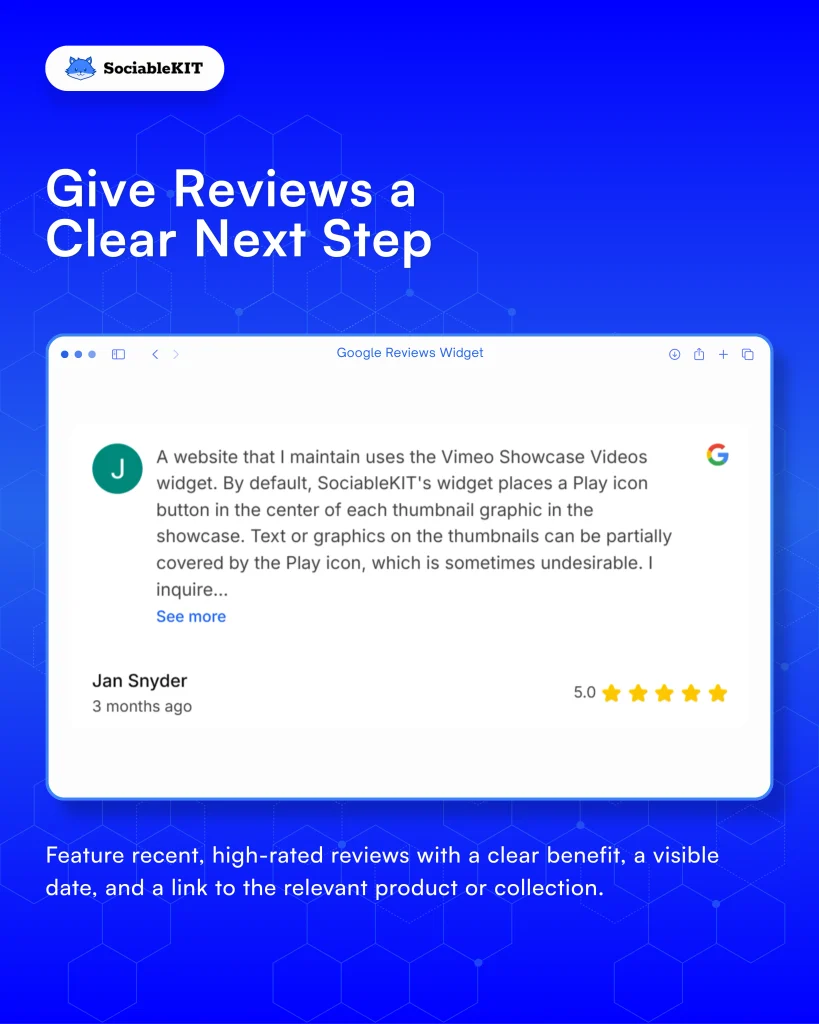
Feature recent, high-rated reviews with a clear benefit, a visible date, and a link to the relevant product or collection. Remove or hide reviews about discontinued products so shoppers do not look for items they can no longer buy.
Reviews that name a specific product and show when they were posted are easier for shoppers to trust. A shopper who reads about an item that is no longer available may leave frustrated. Your Google reviews feed can use the same clear structure to show what shoppers can expect and when the review was written.
Make every review lead to a relevant product with clear details.
Keep Shopping Easy
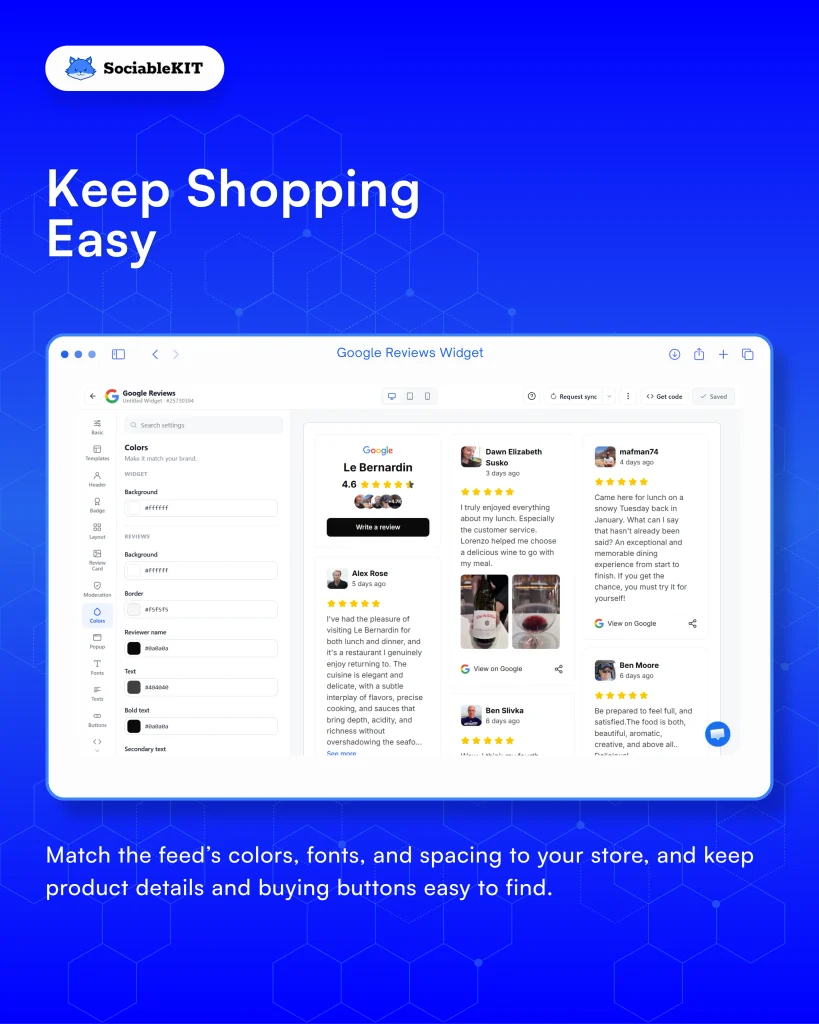
Match the feed’s colors, fonts, and spacing to your store, and keep product details and buying buttons easy to find. Test it on a phone and check that added images or reviews do not slow the page or shift its layout.
Rakuten 24 tested a faster version of an ecommerce landing page against its original version. Google’s web.dev case study reported better conversion rates and revenue per visitor for the improved page. The lesson for your Google reviews feed is to protect the shopping experience while adding useful content.
Your feed should help shoppers explore without making buying harder.
Measure More Than Attention
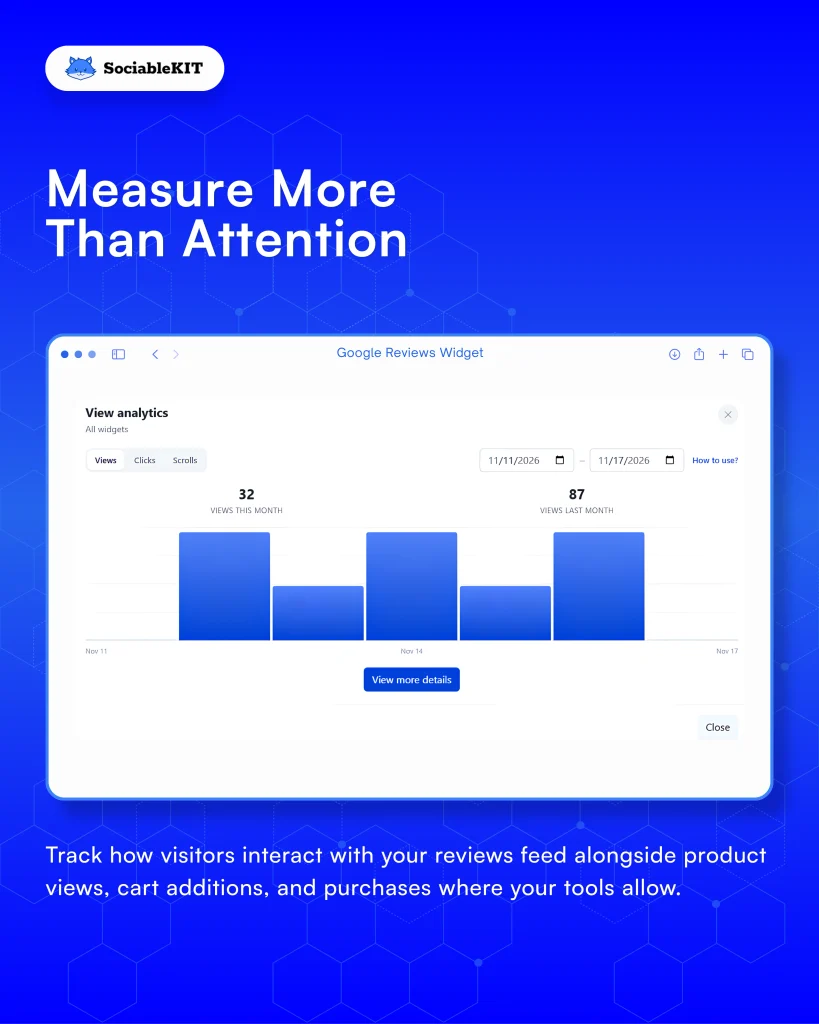
Google reviews are most useful on an e-commerce site when they help shoppers move forward. Track how visitors interact with your reviews feed alongside product views, cart additions, and purchases where your tools allow.
Longtab Brewing includes a Google Reviews feed on its website so visitors can see what real customers think before they decide to visit. Automatic updates keep the section fresh while reducing manual work for the team. An always-current feed like this is easier to test, because you can compare pages with and without it and see whether it helps shoppers take action.
Judge your Google reviews by useful shopping actions, and test changes before crediting them with more sales.
Publish Once, Keep It Current
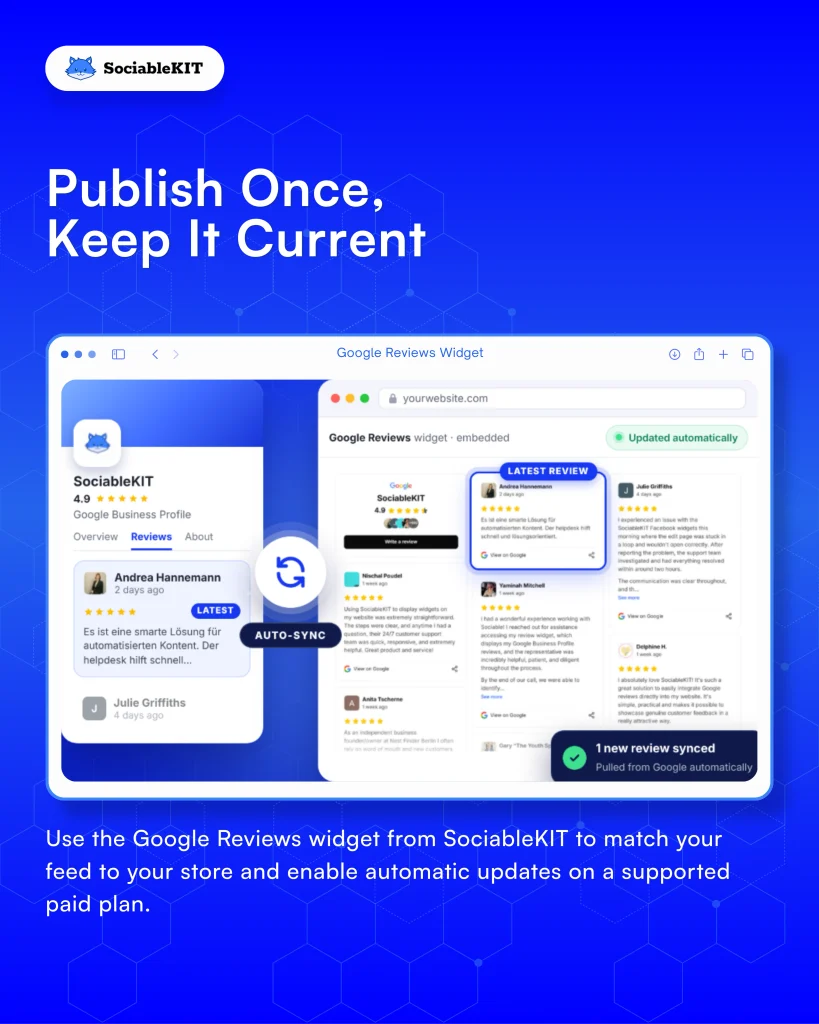
Use a website widget to embed your Google reviews on your website without copying every review onto your store. Customize its appearance, choose a plan with automatic updates, and check regularly for outdated or irrelevant reviews.
Businesses can embed a Google reviews widget directly on their website. New reviews then appear automatically as customers post them. This gives visitors access to the latest customer feedback while reducing the team’s repeated publishing work.
Use the Google Reviews widget from SociableKIT to match your feed to your store and enable automatic updates on a supported paid plan.
Thank You for Reading
A Google reviews feed helps your website show products in action, share customer experiences, highlight relevant reviews, keep shopping easy, measure useful actions, and maintain fresh content. Ready to put these ideas to work? Create your Google Reviews widget with SociableKIT and start showing your latest Google reviews on your website in minutes. Follow us and subscribe to our newsletter for more practical tips to improve your website.