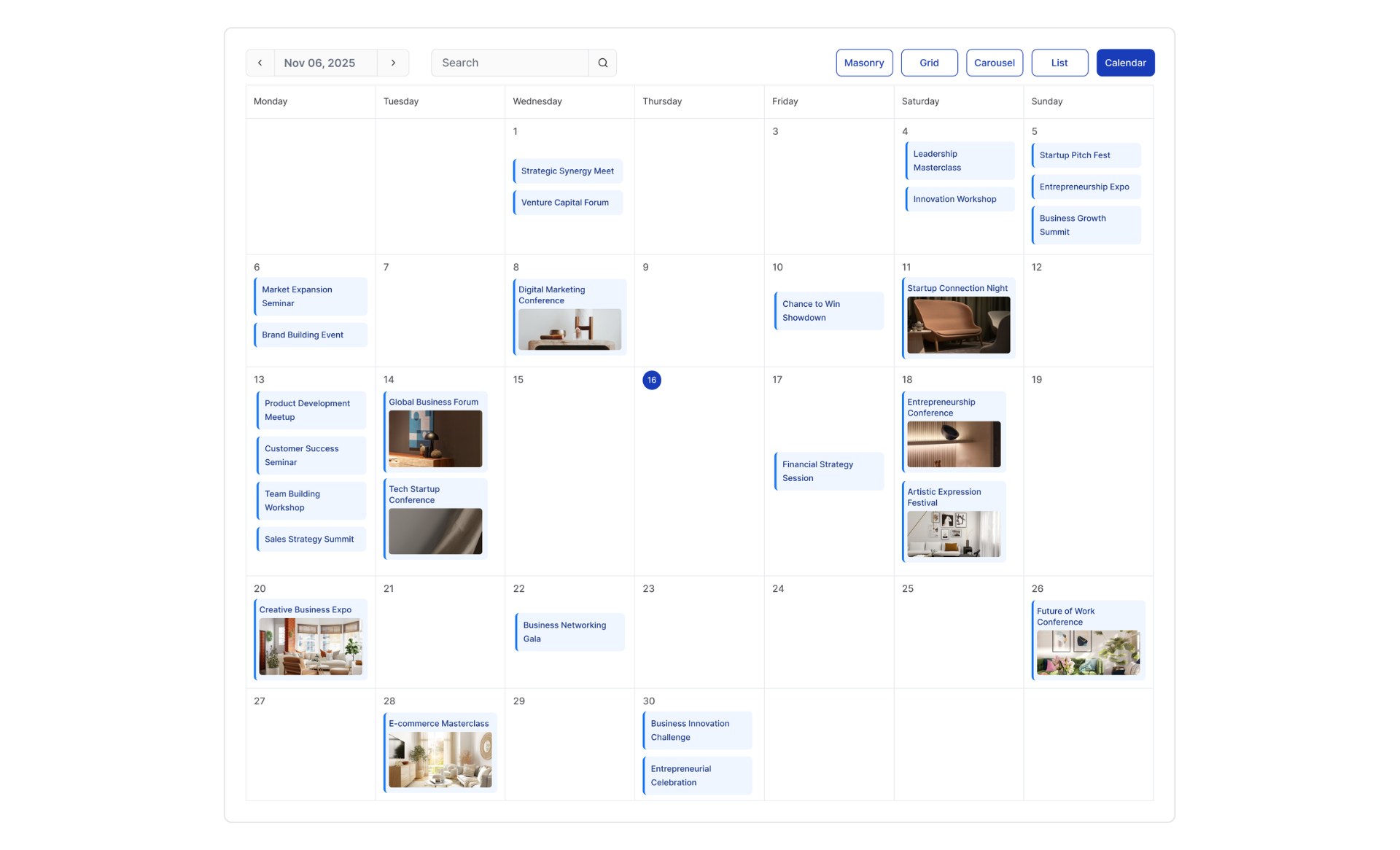
You’re already promoting events on Facebook, Eventbrite, LinkedIn, or another platform. The problem is that your website visitors don’t see those events unless they leave your site and go find them.
That’s lost engagement and missed attendance.
A free event calendar widget solves this by pulling your events from the platforms you already use and displaying them directly on your website. No copying and pasting. No manual updates. Your site stays current automatically.
This guide shows you exactly how to do it with SociableKIT – step by step, for every major event platform.
TL;DR
SociableKIT lets you add a free event calendar widget to your website in minutes – no coding required.
It pulls events directly from platforms you already use, like Facebook Pages, Facebook Groups, Eventbrite, Bandsintown, LinkedIn, and Meetup, and displays them on your site with automatic updates.
You can even combine events from multiple sources into a single calendar using the Content Aggregator Widget.
If you need a standalone calendar where you create events from scratch on a dashboard, check out the free event calendar widget from Webynize.
How SociableKIT Works as Your Event Calendar Widget
SociableKIT connects to the platforms where you already manage your events and creates an embeddable widget you can drop into any website. WordPress, Wix, Squarespace, Shopify, Webflow, plain HTML – it works everywhere.
Here’s what makes this approach powerful: you don’t change how you manage your events. You keep creating and updating events on Facebook, Eventbrite, Meetup, or wherever you already do it. SociableKIT simply pulls that information and displays it on your website in a clean, customizable format. When you update an event on the source platform, the widget updates on your site too – automatically, on a scheduled basis.
This means zero double entry, zero manual website updates, and zero risk of showing outdated event information to your visitors.
Event Calendar Widgets You Can Embed with SociableKIT
SociableKIT supports multiple event platforms. Here’s how each one works and who it’s best for.
Facebook Page Events Widget
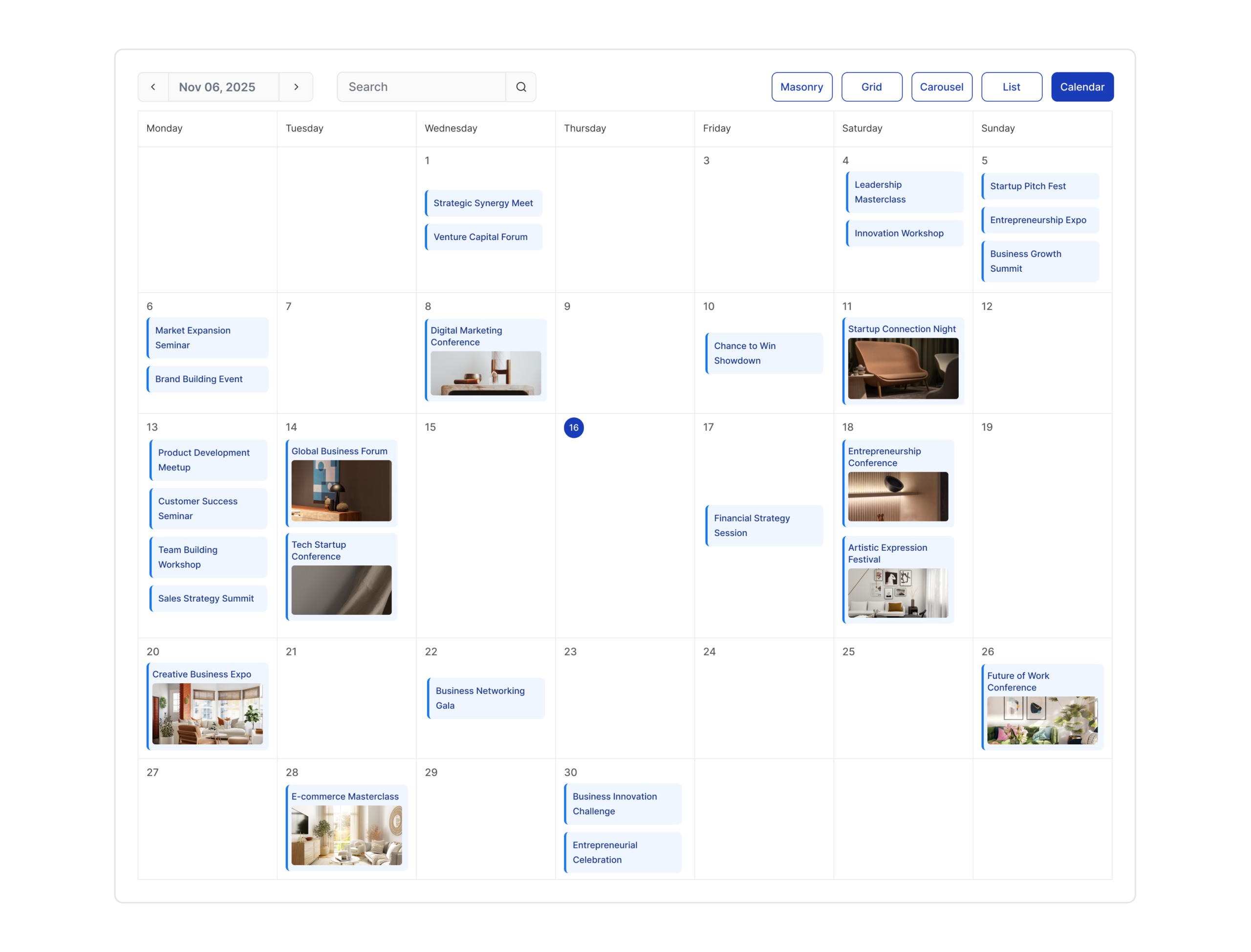
If you run events through your Facebook Page, this widget pulls your upcoming events and displays them directly on your website. Your visitors see event names, dates, descriptions, and images – all sourced live from your Facebook Page.
This is ideal for businesses, restaurants, venues, fitness studios, and organizations that rely on Facebook for event promotion. Instead of hoping your audience sees the event in their Facebook feed, you put it right on your website where they’re already browsing.
Learn how to embed Facebook Page Events on your website here.
Facebook Group Events Widget
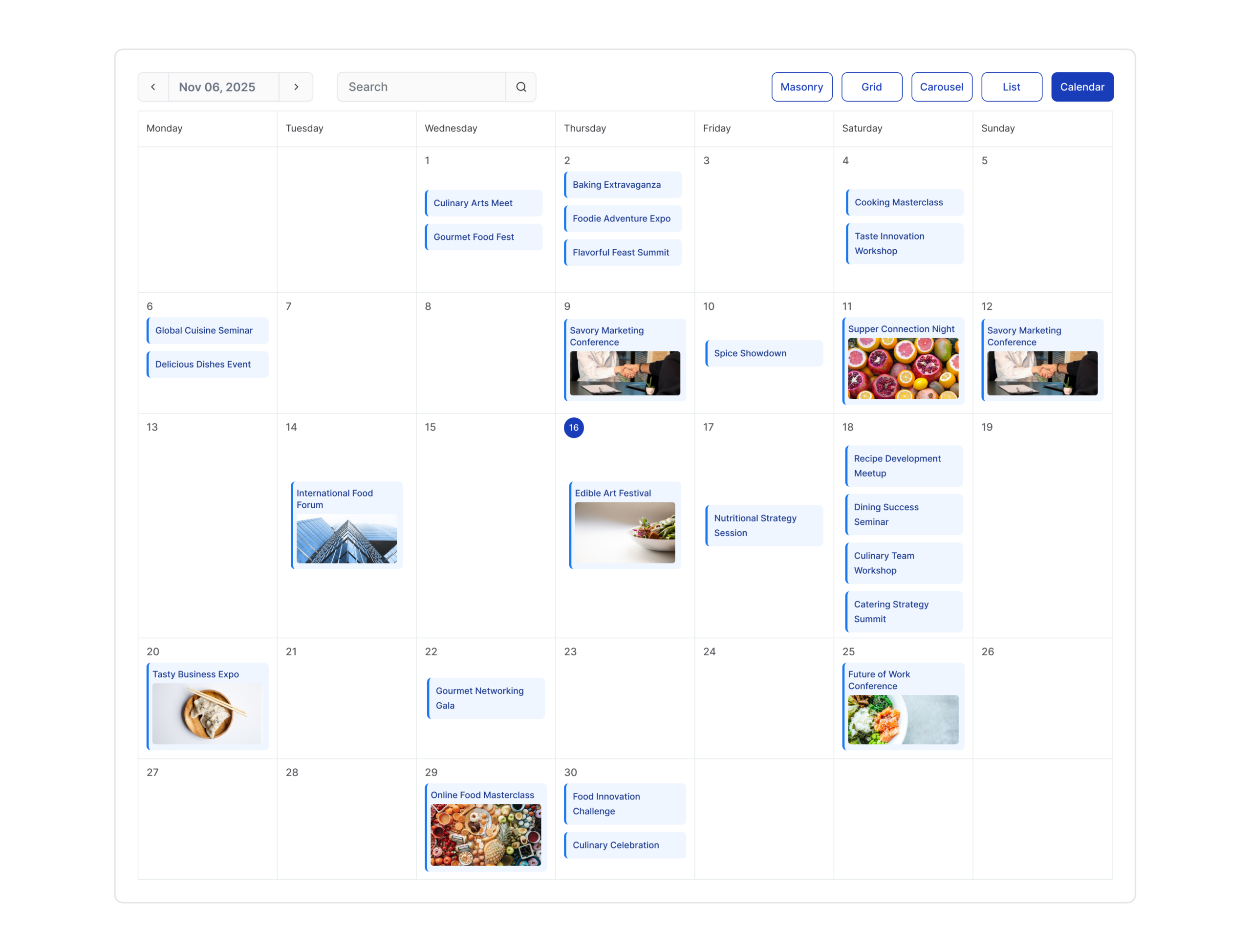
Community-driven events often live inside Facebook Groups, where they can be hard to discover for people outside the group. This widget surfaces those events on your website so both members and newcomers can see what’s happening without needing to log into Facebook or join the group first.
This works especially well for clubs, associations, alumni groups, hobby communities, and local organizations that coordinate through Facebook Groups.
Learn how to embed Facebook Group Events on your website here.
Eventbrite Events Widget
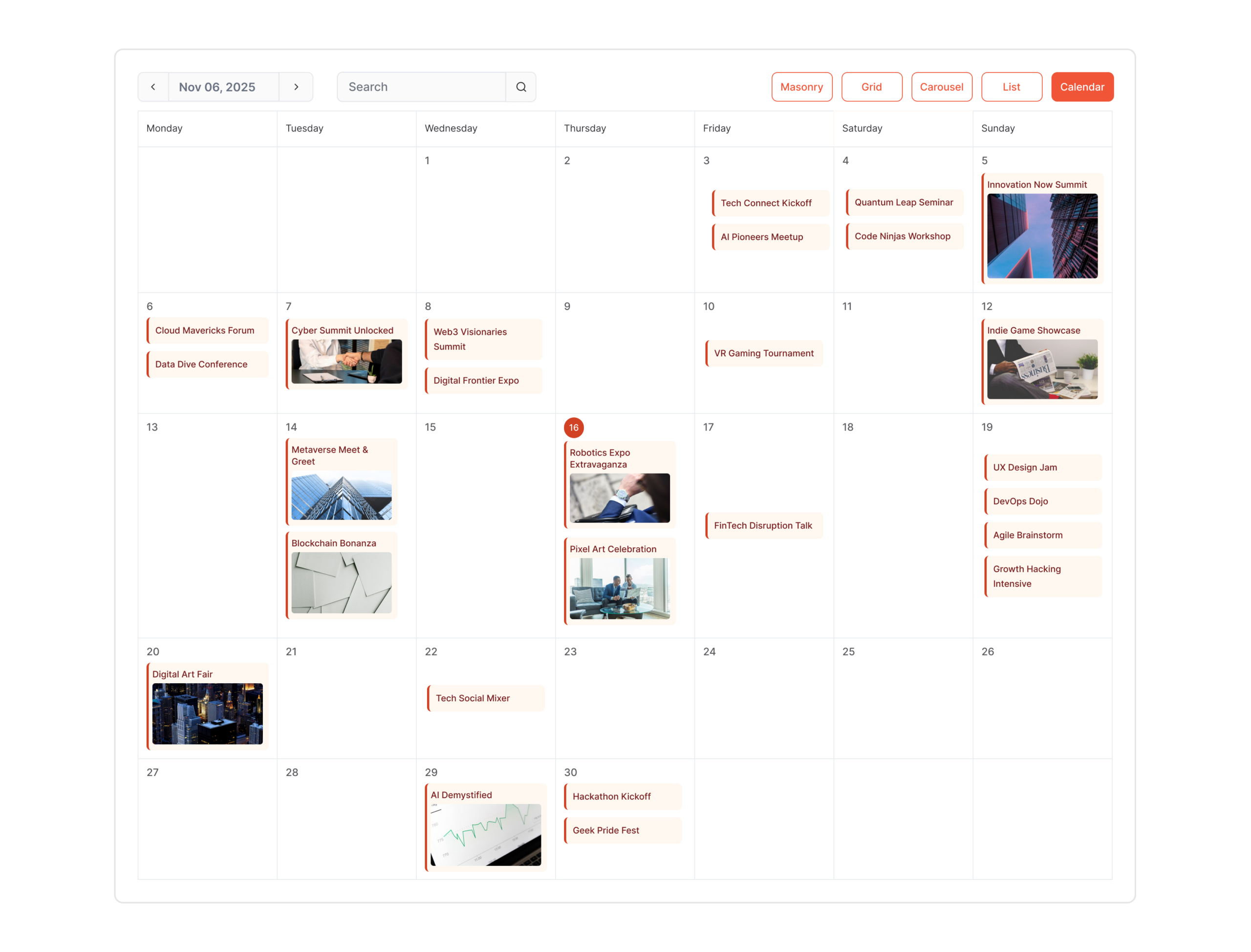
For organizers who sell tickets through Eventbrite, embedding your events on your website bridges the gap between discovery and registration. Visitors landing on your site can immediately see your upcoming events with all the key details – dates, times, descriptions, and images – pulled straight from your Eventbrite listings.
This is a great fit for conference organizers, workshop hosts, festival promoters, and anyone using Eventbrite for ticketed events.
Learn how to embed Eventbrite Events on your website here.
Bandsintown Events Widget
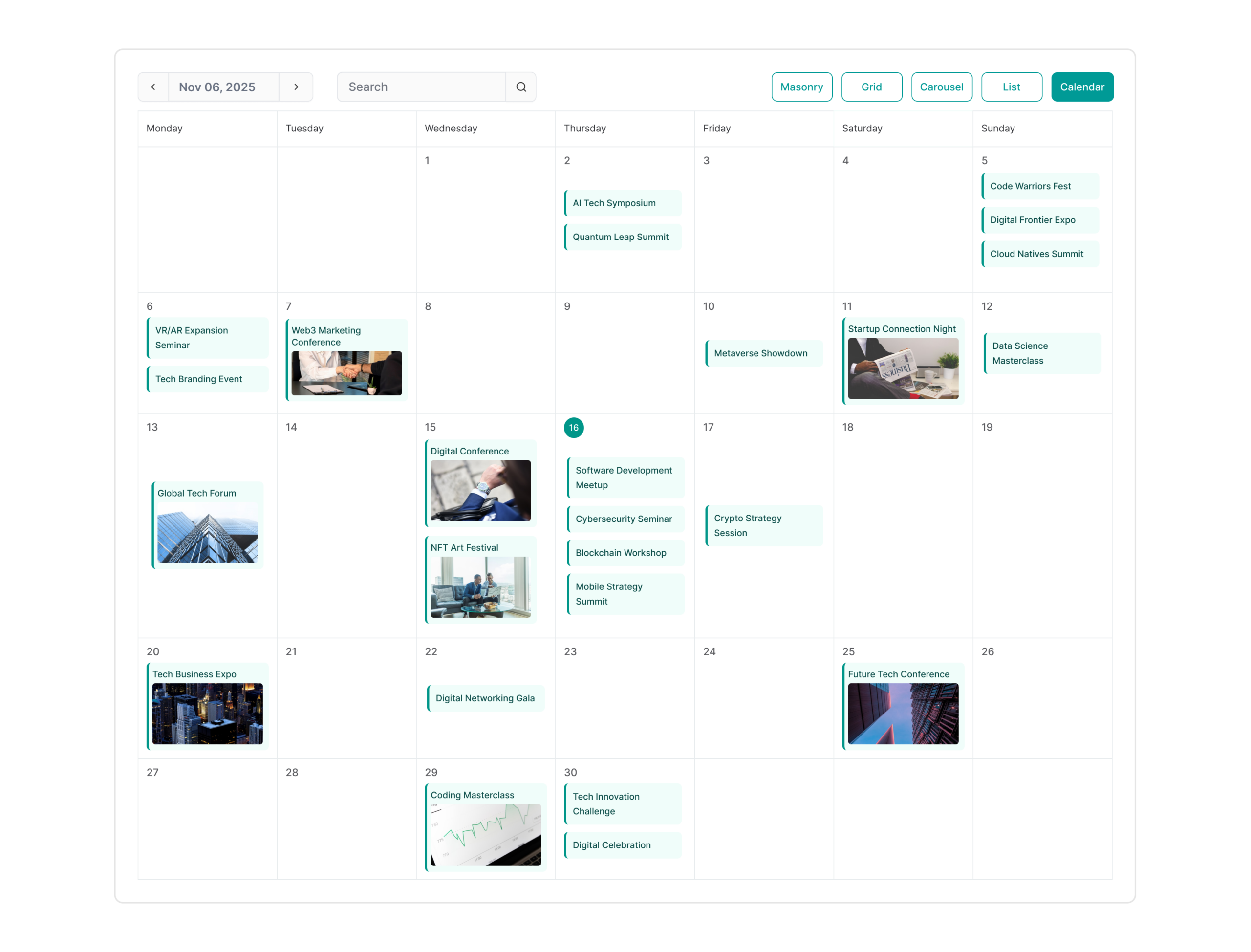
Musicians, bands, DJs, and venues can display their Bandsintown event listings directly on their website. The widget updates automatically as you add new tour dates or concerts, keeping fans informed and driving ticket sales from your own site rather than relying solely on the Bandsintown platform.
If you’re an artist or venue with an active Bandsintown profile, this widget turns your website into a live tour schedule.
Learn how to embed Bandsintown Events on your website here.
LinkedIn Page Events Widget
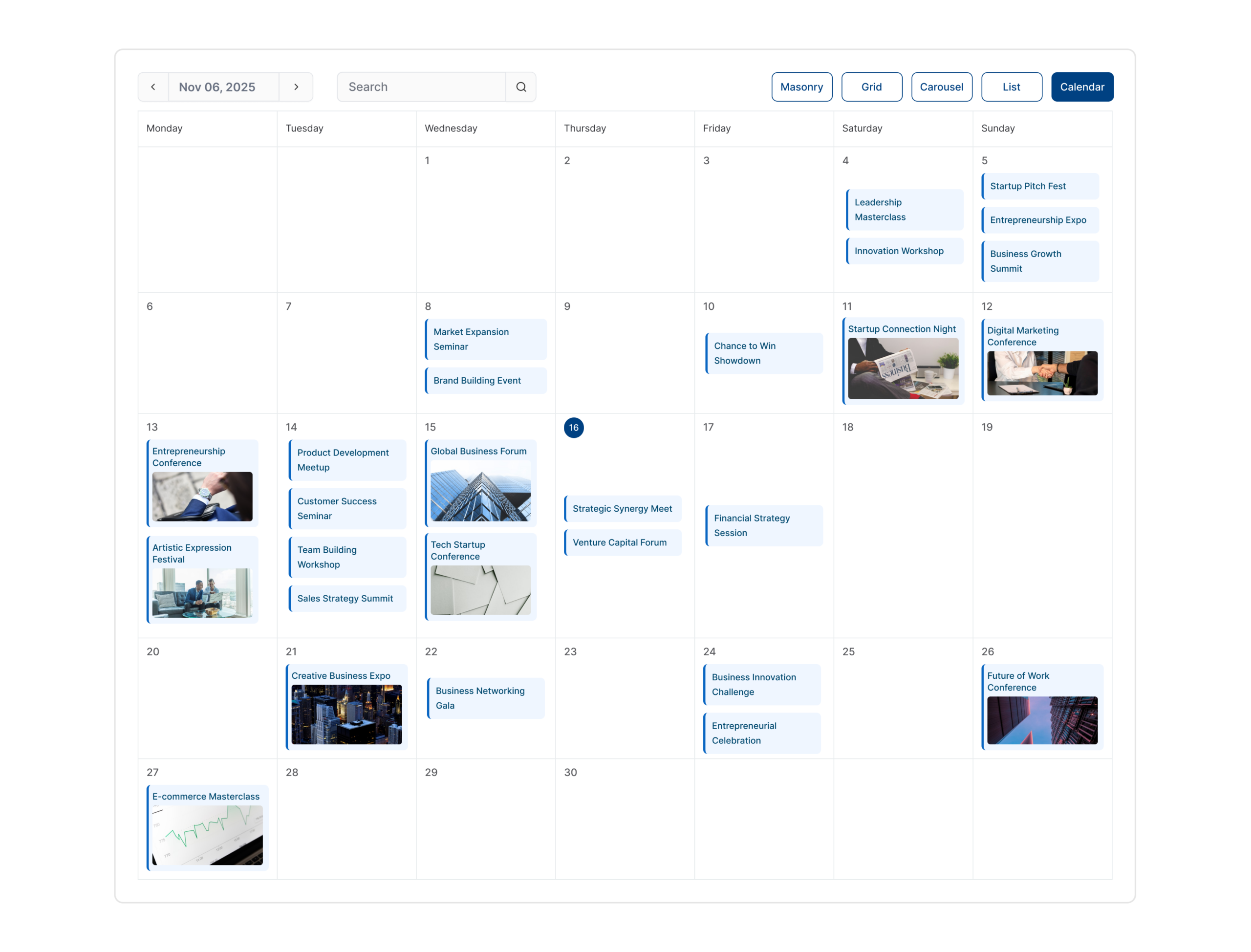
Professional events, webinars, panel discussions, and networking sessions promoted on your LinkedIn Page can be embedded on your company website. Visitors see your upcoming professional gatherings without needing to visit LinkedIn.
This is especially valuable for B2B companies, consulting firms, recruiters, professional associations, and thought leaders who host LinkedIn events to build authority and generate leads.
Learn how to embed LinkedIn Page Events on your website here.
Meetup Group Events Widget
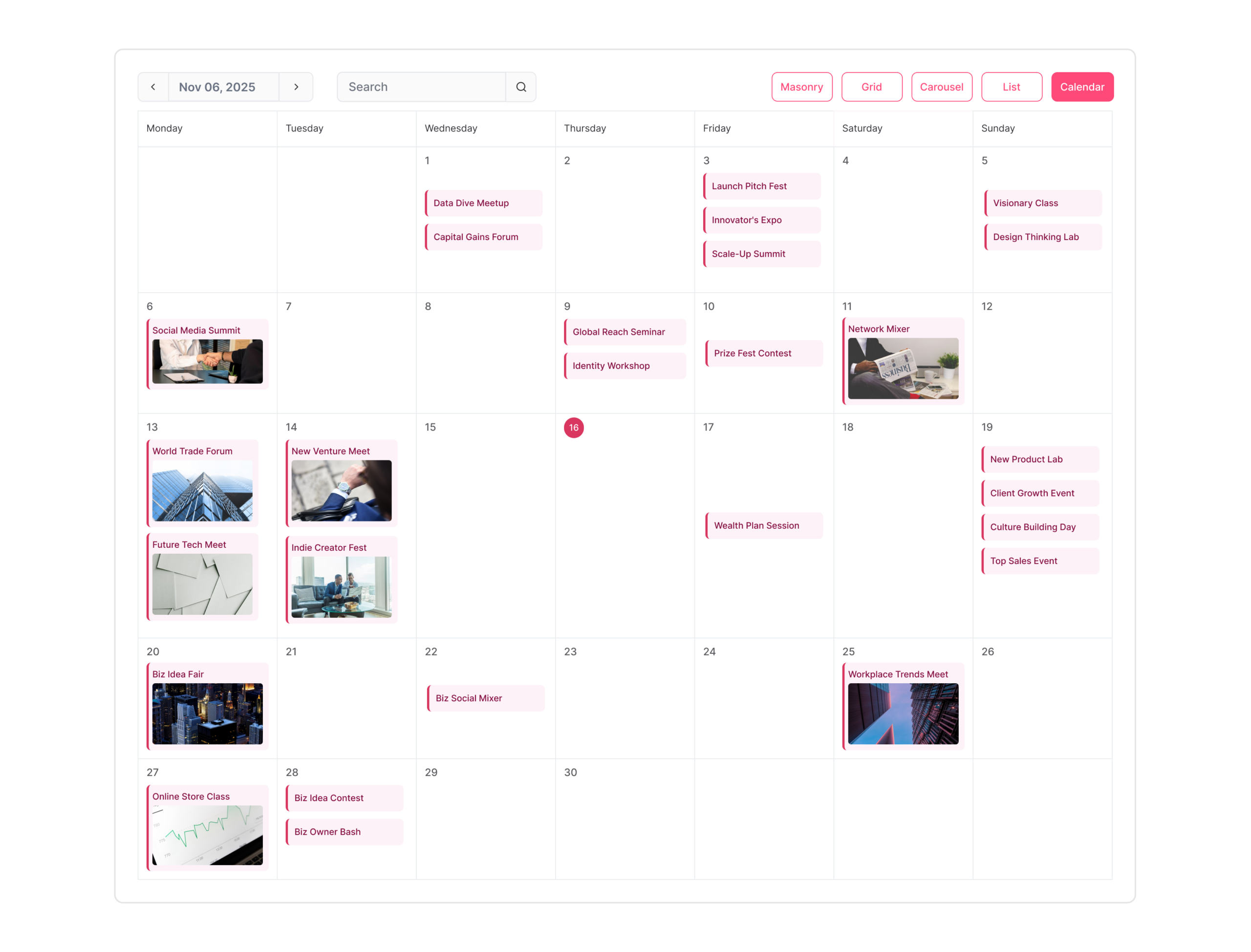
If your community organizes through Meetup, you can pull those events onto your website to reach a broader audience beyond the Meetup platform itself. People who find your website through search or referrals can see your event schedule immediately.
This works particularly well for tech meetups, fitness groups, language exchange communities, hobbyist clubs, and local networking organizations.
Learn how to embed Meetup Group Events on your website here.
Combine Events from Multiple Sources with the Content Aggregator Widget
Here’s where SociableKIT gets especially powerful. What if you manage events across multiple platforms – or across multiple pages on the same platform?
The Content Aggregator Widget lets you pull events from two or more sources and display them in a single, unified calendar on your website.
For example, you could combine events from two or more Facebook Pages into one widget. Or mix your Eventbrite events with your Meetup events so your website shows everything in one place. If you manage multiple venue pages, brand pages, or chapter pages that each have their own event listings, the Content Aggregator brings them all together.
This is especially useful for:
- Organizations with multiple chapters or locations – Combine events from each chapter’s Facebook Page into a single master calendar on your main website.
- Event management companies – Aggregate events across multiple Eventbrite accounts or pages to showcase your full portfolio.
- Communities active on multiple platforms – Pull Meetup events and Facebook Group events into one unified view so members only need to check one place.
- Multi-brand businesses – Display events from all your brand pages in a single calendar on a parent company website.
Instead of asking your visitors to check multiple pages or platforms, you give them one complete event calendar.
Learn how to use the Content Aggregator Widget here.
How to Add a Free Event Calendar Widget to Your Website
Setting up your event calendar widget takes just a few minutes:
- Sign up for a free SociableKIT account at sociablekit.com.
- Choose the type of event widget you want – Facebook Page Events, Eventbrite Events, Bandsintown Events, or any other supported source.
- Connect your event source by providing the URL or page name of your event platform.
- Customize the widget’s appearance – adjust colors, layout, fonts, and design elements to match your website branding.
- Copy the embed code and paste it into your website.
That’s it. Your events will appear on your site and update automatically on a regular schedule.
If you want to combine multiple sources, choose the Content Aggregator Widget in step 2, add all your event sources, and you’ll get a single embed code that displays everything together.
Embedding on Popular Website Platforms
The embed code works on virtually every website builder:
- WordPress – Paste the code into a Custom HTML block in the page or post editor.
- Wix – Use the Embed Code element (also called HTML iframe) from the Add menu.
- Squarespace – Add a Code Block to your page and paste the embed code.
- Shopify – Paste the code into a Custom Liquid section or directly into your theme template.
- Webflow – Use the Embed element from the Components panel.
- HTML websites – Paste the code directly into your HTML file wherever you want the calendar to appear.
Why Display Events on Your Website Instead of Just Social Media
Promoting events only on social media means you’re at the mercy of algorithms. Not every follower sees every post. And visitors who find your website through Google search or a direct link might never see your Facebook events at all.
When you embed an event calendar on your website, you create a persistent, always-visible schedule that works for every visitor regardless of how they found you. It also makes your website more useful and gives people a reason to come back – they know your site is the place to check for upcoming events.
For SEO, an active event calendar adds fresh, regularly updated content to your site. Search engines favor pages that change frequently and provide useful, current information. An automatically updating event widget does exactly that, with no extra effort on your part.
Frequently Asked Questions
Is SociableKIT’s event calendar widget really free? Yes. SociableKIT offers a free plan that lets you embed an event calendar widget on your website at no cost. Paid plans are available if you need additional customization or more widgets.
Do I need coding skills to add the widget? No. You copy an embed code and paste it into your website. No programming knowledge is required.
Will the widget slow down my website? No. The widget loads asynchronously, meaning it doesn’t block your page from rendering. Your site speed stays fast.
Can I customize how the event calendar looks? Yes. You can adjust colors, layout, fonts, and other design elements so the widget blends seamlessly with your website’s look and feel.
Does the widget work on mobile devices? Yes. All SociableKIT event calendar widgets are fully responsive and display correctly on phones, tablets, and desktops.
How often do the events update on my website? SociableKIT syncs with your event source on a scheduled basis, so new events and changes appear automatically without any action on your part.
Can I show events from more than one source? Yes. The Content Aggregator Widget lets you combine events from multiple sources – even across different platforms – into a single calendar on your website.
What if I don’t use any event platform and want to create events from scratch? If you need a standalone event calendar where you add and manage events from your own dashboard, check out the free event calendar widget from Webynize at webynize.com/free-event-calendar-widget.
Ready to add a free event calendar to your website?
Sign up for SociableKIT and embed events from Facebook, Eventbrite, Bandsintown, LinkedIn, Meetup, or combine multiple sources into one calendar – all in minutes. Get started free at sociablekit.com.