In this article, we will explore why finding your Facebook page ID matters, explore its various use cases, and provide a simple step-by-step guide to locate your Facebook page ID.
Your Facebook page ID is a unique identifier that helps you integrate Facebook Feed content and features into your website or application seamlessly.
Why find Facebook page ID?
There can be different reasons why you need to find an Facebook page ID. In some cases, you need the Facebook page ID because you want to embed Facebook Feed on your website. It might be helpful for your web or mobile application as well.
Step-by-Step Guide
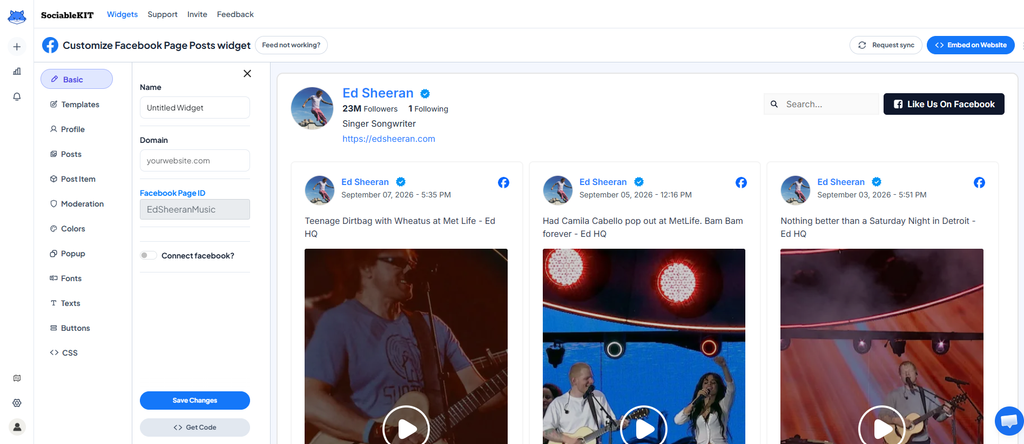
- Go to your Facebook Page. For example: https://www.facebook.com/EdSheeranMusic/
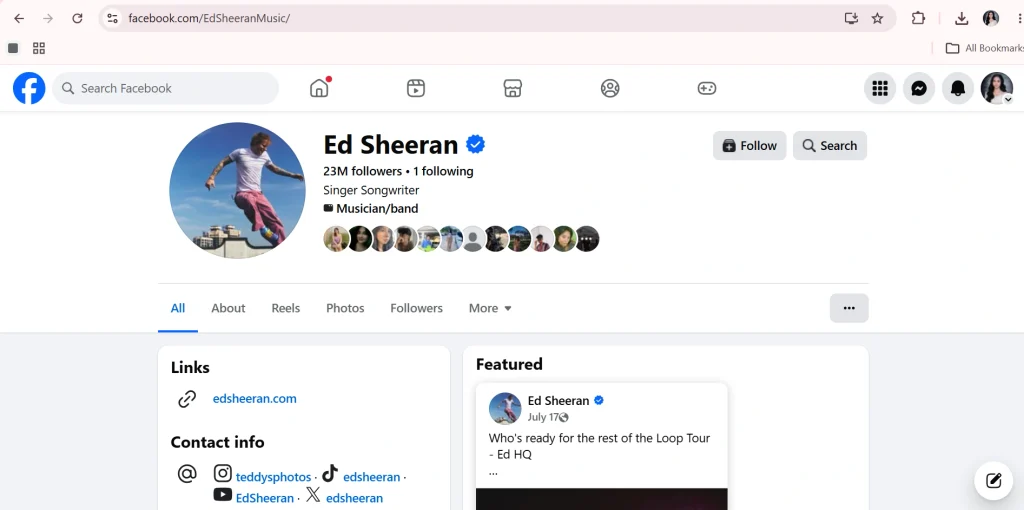
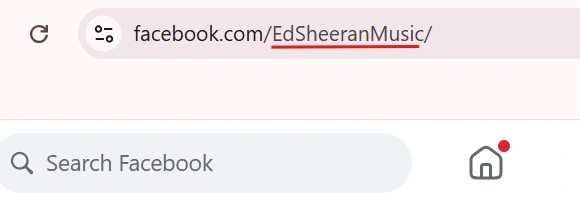
2. Look at your browser’s address bar, the text after facebook.com/ is your Page ID (e.g., “EdSheeranMusic“).
3. Paste the Page ID into the Page ID field.
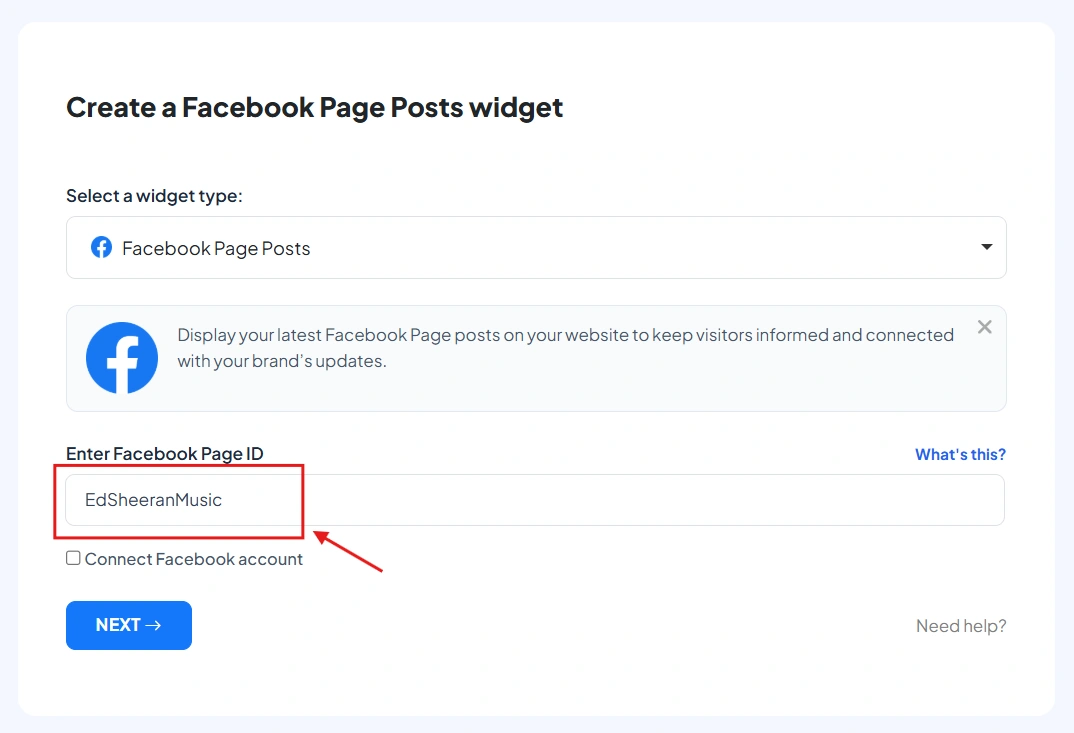
4. Click “Next“, your widget is ready.
Add Facebook Feed to your website
Incorporate Facebook Feed into your website at no extra cost using SociableKIT. Easily create a Facebook Feed widget and enrich your site’s content.
Want more?
Subscribe to our weekly newsletter for a wealth of insightful tips and innovative strategies to elevate your project. Keep abreast of the latest trends and advice by signing up here.
This Should Help!
Maximize your online presence with Facebook Feed! This guide makes it easy to tap into your Facebook age events power and boost your digital footprint. Enhance your online reputation effortlessly!
We trust this guide has been informative and beneficial. Feel free to share it with peers who might find it helpful!